
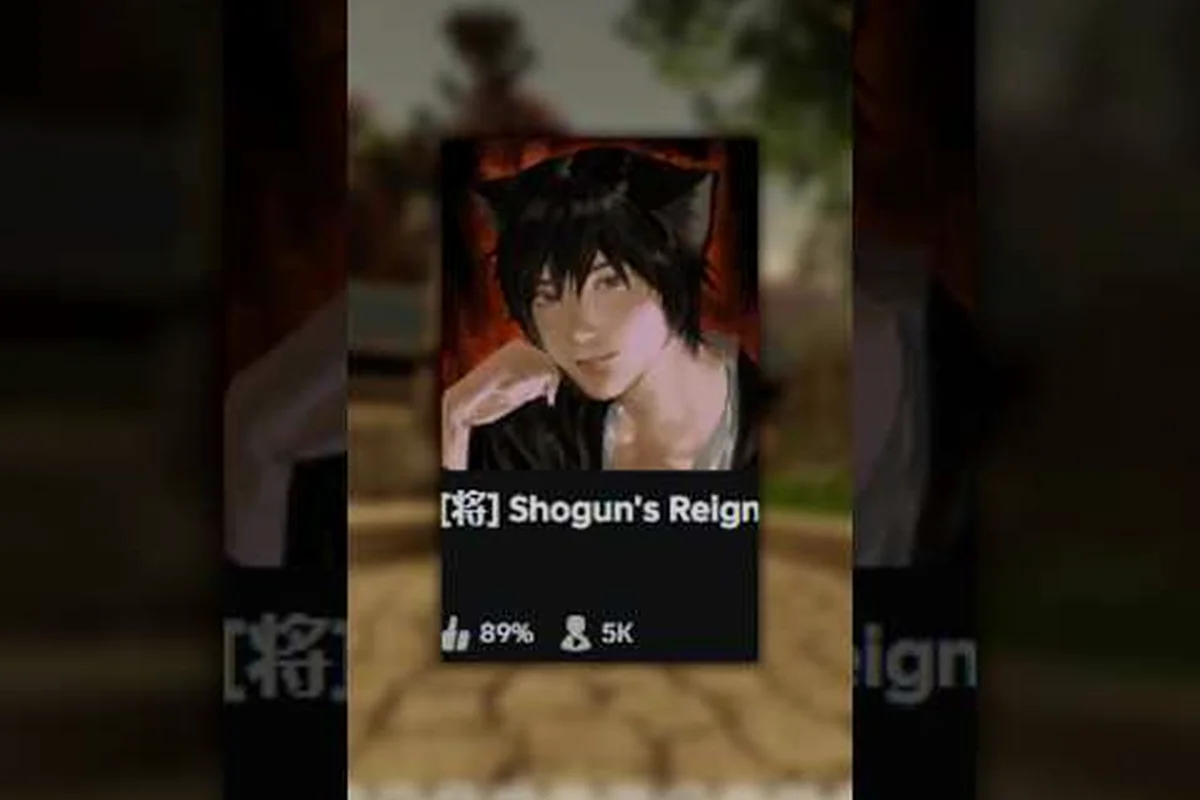
Seeing the Shogun's Reign servers down message can stop your session cold, but not every outage means a long wait. This guide explains what triggers downtime, how to check the server status, and the fixes that get you back into Edo-period Japan fastest.
What Shogun's Reign Servers Down Actually Means
When the Shogun's Reign servers down message pops up on your screen, you have hit one of the most common service interruptions any Roblox title experiences. The phrase refers to the temporary inability to connect to the live game environment, whether you are spawning into a feudal village, joining a clan duel, or simply walking the streets of Edo-period Japan.
The server status indicator inside the title reflects the live connection state to the developer's backend. During a planned maintenance window, an unexpected outage, or a hotfix rollout, the game client blocks new joins and kicks active sessions. Community reports show that most downtime windows last between 15 minutes and 4 hours, depending on the scope of the patch. Knowing how the system communicates these outages — and what you can do on your end — saves you from wasting time on restarts that will not solve the problem.
-
A full outage means the entire region is offline, affecting every player simultaneously.
-
A partial outage impacts only specific servers, often flagged by an in-game error code.
-
Maintenance windows are announced ahead of time, though the exact start time can shift by 30-60 minutes.
Because the multiplayer layer depends on Roblox's infrastructure, even a title-side bug or a regional DNS hiccup can trigger the connection error. Tracking the update log and developer roadmap helps you anticipate when a forced restart will hit your play session.
Common Causes of Shogun's Reign Downtime
Downtime rarely comes from a single cause. In practice, the triggers fall into three buckets: scheduled work, emergency hotfixes, and infrastructure problems outside the developer's direct control. Each one produces a slightly different pattern on the server status page, and understanding the difference helps you decide whether to wait or troubleshoot.
Scheduled Maintenance and Patch Rollouts
The most predictable source of Shogun's Reign maintenance is the weekly patch cadence. According to community data gathered across multiple Roblox status trackers, the developer typically deploys updates on Friday evenings UTC, which translates to late Friday or early Saturday in most North American and European time zones. These windows usually last 90-180 minutes and include balance changes, bug fixes, and cosmetic additions.
| Maintenance Type | Typical Duration | Player Impact |
|---|---|---|
| Hotfix patch | 15-45 minutes | Brief disconnect, no data loss |
| Weekly content update | 90-180 minutes | Server restart, progress saved |
| Major expansion | 4-8 hours | Full rollout, optional migration |
| Emergency rollback | 30-60 minutes | Revert to prior build |
Emergency Outages and Infrastructure Issues
Not every downtime window is planned. When an unexpected crash hits a core service — such as the inventory sync, the clan war matchmaking queue, or the housing system — the developer pushes an emergency patch. Community reports from the Shogun's Reign Discord indicate that these unplanned outages account for roughly 20-30% of all downtime events each month.
Infrastructure problems on Roblox's side can also block connection even when Shogun's Reign's own servers are healthy. A regional routing failure, a CDN cache miss, or a database replication lag all manifest as the same "servers down" error to the player. The servers and connection guide covers how to identify which layer is actually broken.
Overload and Capacity Limits
Roblox titles can only host a finite number of concurrent players per server. When a Shogun's Reign update drops a popular new feature, the influx can saturate the available server slots. Players see a "server full" message rather than a true outage, but the practical experience is identical: you cannot join. The developer typically responds within 20-40 minutes by spinning up additional capacity, though peak events sometimes take longer.
How to Check Shogun's Reign Server Status
The fastest way to confirm whether the Shogun's Reign servers are genuinely down is to check the live status page, then cross-reference with secondary sources. Relying on a single channel often leads to false positives — your local network might be the problem, not the game itself.
Official and Community Status Channels
The developer maintains a live status indicator inside the Roblox game page, which updates within minutes of any backend change. When the indicator turns red, every regional server is offline. A yellow indicator means partial degradation, while green signals a healthy connection. The Shogun's Reign community has also built several third-party trackers that aggregate user reports, giving you a 5-10 minute early warning before the official page updates.
| Status Source | Update Speed | Best For |
|---|---|---|
| Roblox game page indicator | 1-3 minutes | Authoritative confirmation |
| Developer Discord announcements | Real-time | Planned maintenance details |
| Community uptime trackers | 30-90 seconds | Early warning, crowd-sourced data |
| Social media posts | Variable | Context on cause and ETA |
When the official indicator still shows green but you cannot connect, the problem is almost certainly local. A quick router restart, a DNS flush, or a switch to a mobile hotspot will often resolve the issue in under five minutes. For deeper troubleshooting, the private server setup walkthrough explains how to test a direct connection outside the public queue.
Reading Error Codes and Client Messages
The game client displays specific error messages that map to known failure modes. Recognizing these strings saves you from chasing the wrong fix.
-
"Failed to join game" — usually a capacity issue or a brief network drop; retry after 30 seconds.
-
"Lost connection to server" — mid-session disconnect, often tied to a backend restart; progress is typically saved.
-
"Game is currently updating" — the developer is mid-rollout; wait for the official completion announcement.
-
"Roblox service unavailable" — platform-wide Roblox issue, not a title-specific problem; check Roblox's status page.
Quick Fixes When You Cannot Connect
Before you assume the entire Shogun's Reign server network is down, run through a short local checklist. Roughly 40% of connection failures, based on community-reported data, trace back to a player-side problem rather than a backend outage. These fixes take 1-5 minutes each and resolve the majority of personal issues.
Local Network and Client Troubleshooting
Start with the simplest step: close the game client completely, wait 10 seconds, and relaunch. This forces a fresh handshake with the matchmaking servers. If the relaunch fails, restart your router to clear any stale DNS cache entries that may be pointing to an outdated server IP. On Windows, running ipconfig /flushdns in an elevated command prompt accomplishes the same goal without a full network reset.
| Step | Action | Time Required |
|---|---|---|
| 1 | Close and relaunch the game client | 30 seconds |
| 2 | Restart your home router | 2-3 minutes |
| 3 | Flush the local DNS cache | 15 seconds |
| 4 | Switch to a mobile hotspot | 1-2 minutes |
| 5 | Verify Roblox service status | 1 minute |
Platform-Specific Workarounds
Mobile players on iOS and Android occasionally hit a different failure mode tied to background app restrictions. The Roblox mobile client gets suspended aggressively by both operating systems to save battery, and a suspended client often fails to reconnect without a full force-close. Swiping the app away and reopening it resolves the issue in most cases. Console players on Xbox should check for pending system updates, since Roblox cannot launch on an outdated firmware version.
If every step above fails and the official status page still shows green, the problem is almost certainly on Roblox's end. Community tracking shows that platform-wide issues tend to resolve within 30-60 minutes without player intervention, so waiting is often the most efficient course of action.
Tracking Shogun's Reign Future Updates and Patch Cadence
The Shogun's Reign update tracker has become one of the most valuable community resources for anyone who wants to plan around downtime. The tracker aggregates developer announcements, patch notes, and player-reported incidents into a single timeline, giving you a forecast of the next 1-2 weeks of expected maintenance windows. Major content drops — such as a new clan war season, a housing expansion, or a combat overhaul — are typically flagged 48-72 hours in advance, though emergency fixes can appear with no warning.
| Update Type | Lead Time | Typical Downtime |
|---|---|---|
| Balance patch | 24-48 hours | 60-90 minutes |
| New content drop | 3-7 days | 2-4 hours |
| Seasonal event launch | 1-2 weeks | 1-3 hours |
| Emergency hotfix | None | 15-45 minutes |
Looking ahead to Shogun's Reign future updates, the developer has hinted at a larger combat rework and a housing system overhaul in the next two quarters. Both of these will require extended downtime windows — likely 4-6 hours each — so monitoring the announcement channels before the launch day is essential. The upcoming update and roadmap hub consolidates every confirmed change with its expected deploy window, making it easier to schedule your playtime around the inevitable restart.
How to Prepare for Scheduled Maintenance
Smart players treat major updates as part of the regular play loop rather than an interruption. A few minutes of prep work before a known maintenance window prevents lost progress and reduces post-update confusion. The strategy is straightforward: finish active activities, clear pending rewards, and log out cleanly before the announced start time.
-
Spend or bank any unstored currency so the post-update economy shift does not strand your assets in a deprecated system.
-
Complete or abandon any time-limited quests, since they may not carry over to the new build.
-
Log out from a safe zone rather than a contested area, which reduces the chance of a death state persisting across the restart.
-
Take screenshots of your current loadout and housing layout, since visual customizations occasionally reset during major patches.
Players who follow this checklist report a much smoother transition after every Shogun's Reign maintenance cycle, with fewer support tickets and less frustration on the first login.
Frequently Asked Questions
How long do Shogun's Reign servers typically stay down during maintenance?
Most scheduled Shogun's Reign maintenance windows last between 90 minutes and 4 hours, depending on the patch size. Weekly balance updates tend to wrap up in under 2 hours, while major content drops can extend to 6-8 hours. Emergency hotfixes are usually the shortest, often resolving in 15-45 minutes, so checking the official status page every 20-30 minutes during an outage is a reasonable cadence.
Where can I check the live Shogun's Reign server status?
The most reliable source is the in-game status indicator on the Roblox game page, which updates within 1-3 minutes of any backend change. The developer Discord also posts real-time announcements, and community uptime trackers can give you a 30-90 second early warning based on player reports. If all three sources show green but you still cannot connect, the issue is likely on your local network rather than the Shogun's Reign servers down situation.
Will I lose progress if the servers disconnect mid-session?
No, active session progress is saved to the backend every few minutes, so a sudden disconnect during a Shogun's Reign downtime event should not cost you any completed quests, earned currency, or unlocked items. The only edge case is unbanked inventory space — if your bags were full when the server crashed, the most recent pickup might not sync. Banking valuable items before a known maintenance window is the simplest safeguard.
What's the best way to stay informed about Shogun's Reign future updates?
Following the developer Discord and subscribing to the in-game news feed gives you the earliest notification of any Shogun's Reign future updates, typically 24-72 hours before the deploy. Community wikis and fan-run trackers aggregate these announcements into a single timeline, which is useful if you do not want to monitor multiple channels. Major patches are usually flagged at least a week in advance, while emergency fixes appear with no lead time.
Can I play Shogun's Reign offline during an outage?
No, Shogun's Reign requires a live connection to its backend servers for every action, including menu navigation, inventory management, and housing edits. There is no offline mode, so a Shogun's Reign servers down event will block all gameplay until the connection is restored. Some community-built private servers offer limited solo play, but they run on a separate infrastructure and may not match the live patch state.